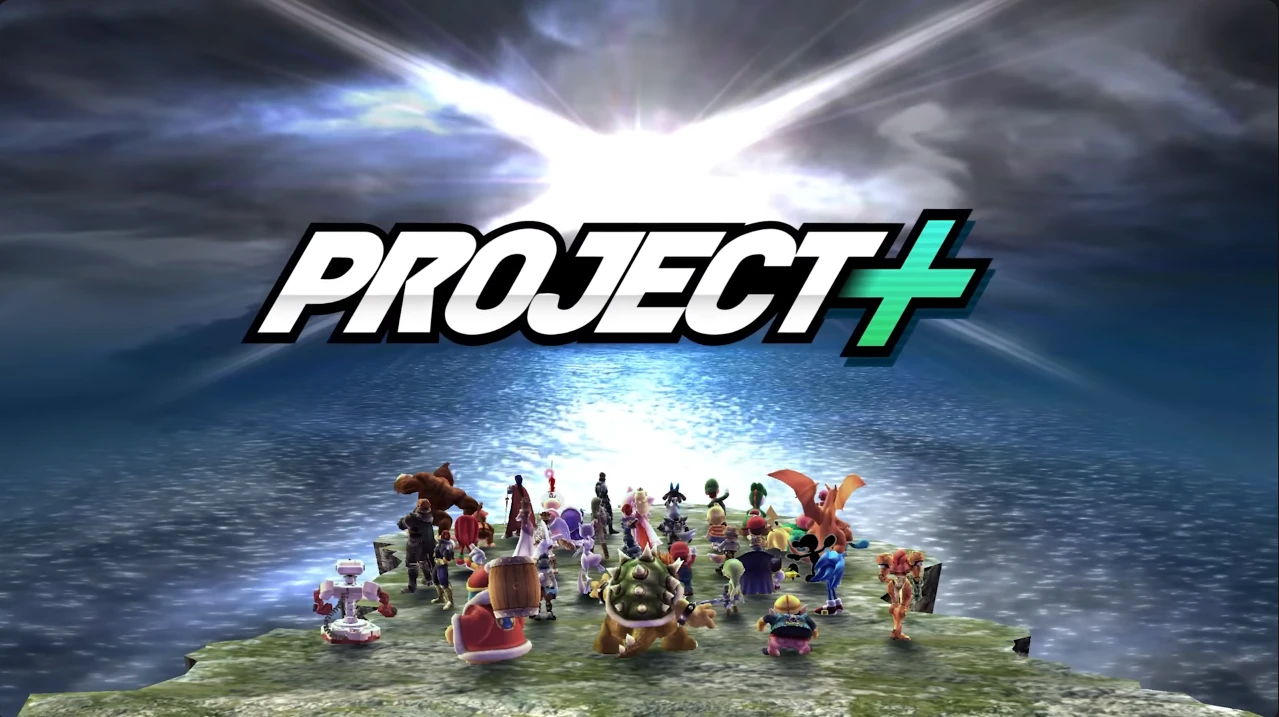
Seemingly out of nowhere, Project+ 3.0 was released to the public as of yesterday. It’s a pretty sweet update, adding a random stage select overhaul, physics delays being fixed, a complete model revamp for Zero Suit Samus, newly added costumes, redone visuals to existing stages, a revamped Event Match mode, and plenty more!
Thought P+ was only meant to be played competitively? Think again. P+ 3.0 adds a new item: the double cherry.
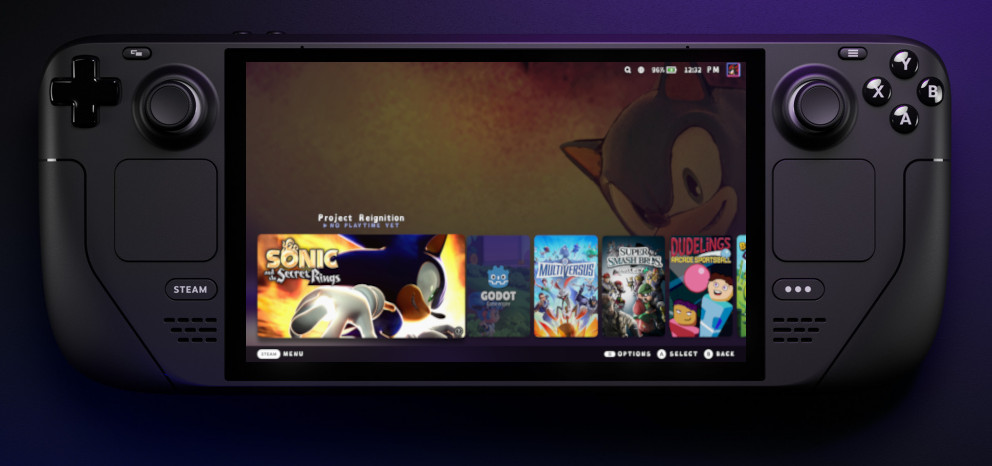
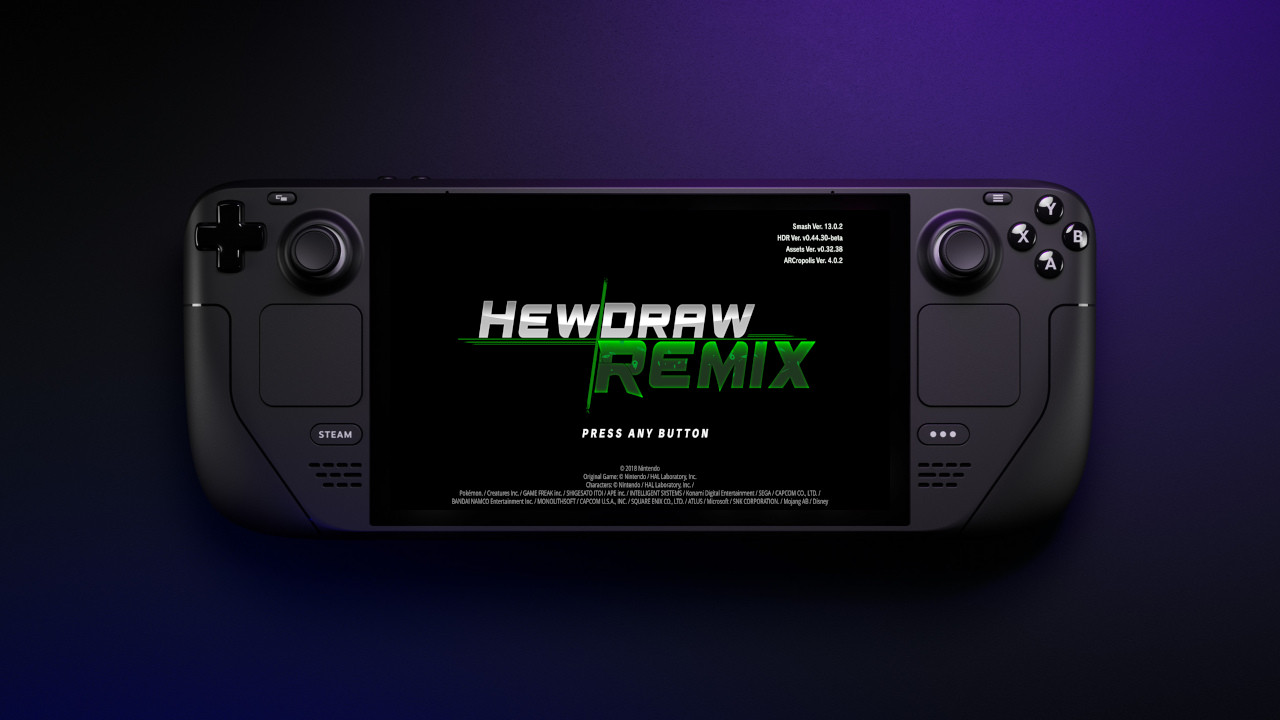
This guide assumes you already have HDR set up on your Steam Deck, and that you’re using a GameCube controller for your controls. A keyboard and mouse will also come in handy. If you don’t have HDR set up on Steam Deck, follow my previous guide.
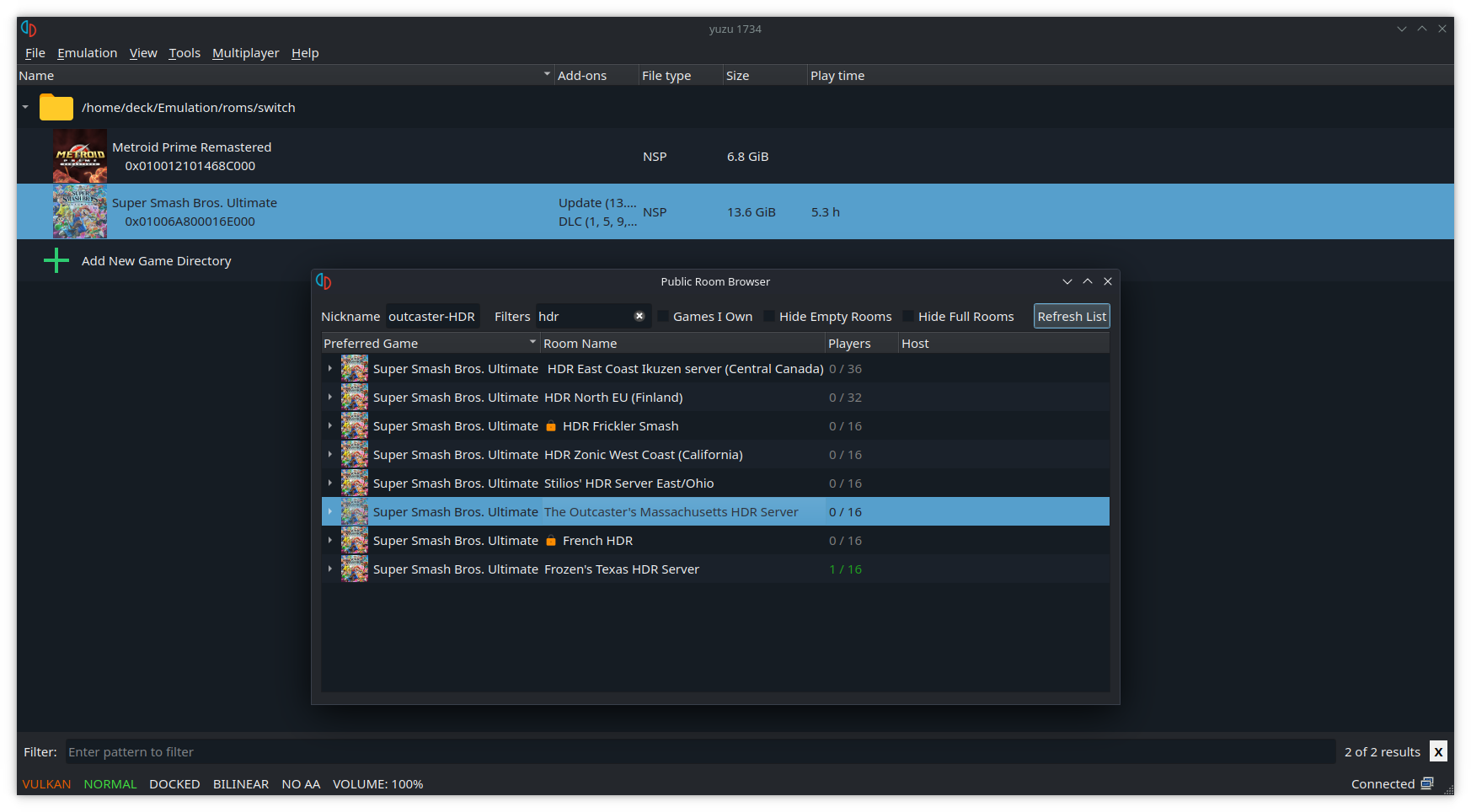
1. Configure Profile and Settings Open Yuzu. Open the configuration menu by going to Emulation -> Configure… From the System section on the left, go to the Profiles tab.